AI Business Operations Integration
AI business solutions.
Onyx AI Studio builds AI business systems that answer calls, support website visitors, capture leads, organize customer data, assist with scheduling, and give teams answers from their own company files.
- Beachhead
- Granite quote intake
- Review output
- Workflow map
- Lead path
- Saved + followed up
Managed system
Client usage costs for Retell and third-party tools are paid directly by the client. Onyx charges for implementation and management.
- $4,000-$6,000
- Core Integration: $750/month management
- $6,000-$8,500
- Operations Integration: $1,000-$1,250/month management
- $8,500-$10,000+
- Advanced Business Assistant System: $1,250-$1,500+/month management
Direct answer
What does Onyx AI Studio build?
Onyx AI Studio builds managed AI business systems for service companies that need better call handling, website lead capture, scheduling support, internal knowledge search, and cleaner follow-up. The system starts with the business workflow, then connects voice assistants, website assistants, forms, data storage, guardrails, and staff-facing summaries around that workflow.
The best starting point is the AI Operations Review, followed by the AI Business Operations Integration service when the workflow is ready to build.
The problem
Most businesses do not need another widget. They need cleaner operations.
Calls, website questions, documents, lead notes, scheduling requests, and follow-up tasks often live in separate places. The AI system is valuable only when it connects those pieces.
System overview
One managed system across reception, web, data, and internal support.
The public assistants help customers. The internal assistant helps staff. Supabase keeps business records and knowledge structured between them.
Phone calls
Retell-powered AI receptionist answers, qualifies, summarizes, and routes the call.
Website visitors
Website assistant answers service questions, captures lead details, and starts callback or scheduling support.
Supabase business layer
Leads, customer records, company knowledge, call summaries, website summaries, and follow-up status stay structured.
Internal assistant
Owners and staff search company files, SOPs, policies, lead records, and call summaries with stricter access rules.
What the AI handles
The offer is built around business outcomes, not technical novelty.
Retell and Supabase stay in the infrastructure layer. The buyer sees call handling, lead capture, scheduling support, searchable knowledge, guardrails, and follow-up.
How it works
Review, integrate, manage.
The system is custom because the business rules are custom: hours, service areas, pricing boundaries, documents, scheduling behavior, and escalation rules.
Review the operation
Map calls, website leads, scheduling rules, documents, current tools, follow-up paths, and risk boundaries.
Build the business system
Configure assistant roles, Supabase records, knowledge sources, guardrails, summaries, and workflow handoffs.
Manage and optimize
Review conversations, tune prompts, update knowledge, strengthen guardrails, and keep data useful after launch.
Process proof
A visible map of how the AI business system is built.
The workflow starts with how the business already handles calls, website questions, leads, documents, and follow-up. The build connects those pieces into managed assistant roles, records, guardrails, and optimization.
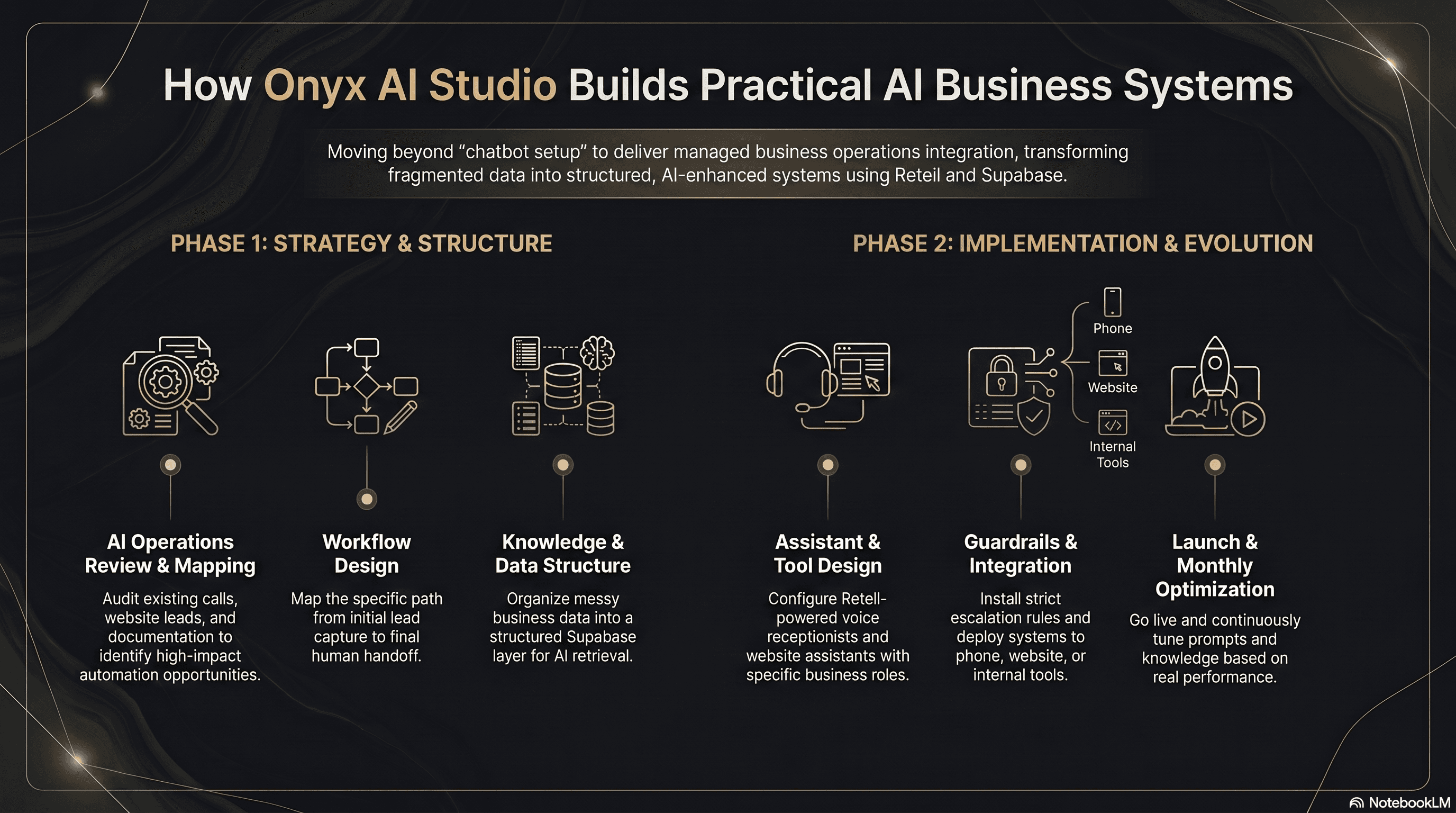
Core system pages
Everything a service business needs to capture, answer, schedule, and follow up.
Web development becomes the front-end layer. SEO becomes demand generation. Automation moves leads, calls, summaries, appointments, and follow-up tasks.
Right-Sized Private AI Systems
Private AI systems for small businesses, sized to the task instead of forced through the biggest cloud model.
AI Business Operations Integration
A premium AI reception, website assistance, lead capture, scheduling, data, and internal knowledge system built around real business operations.
Reception + Website Assistant
AI phone reception and website voice assistance that answer common questions, qualify leads, capture details, and route follow-up.
Internal Business Assistant
A stricter internal assistant for owners and staff to search company files, SOPs, policies, call summaries, leads, and business records.
Portfolio proof
Real demos that show the pieces behind the operations system.
The portfolio is framed around quote paths, AI operations modules, guardrails, lead capture, interface design, automation, and custom implementation ability.
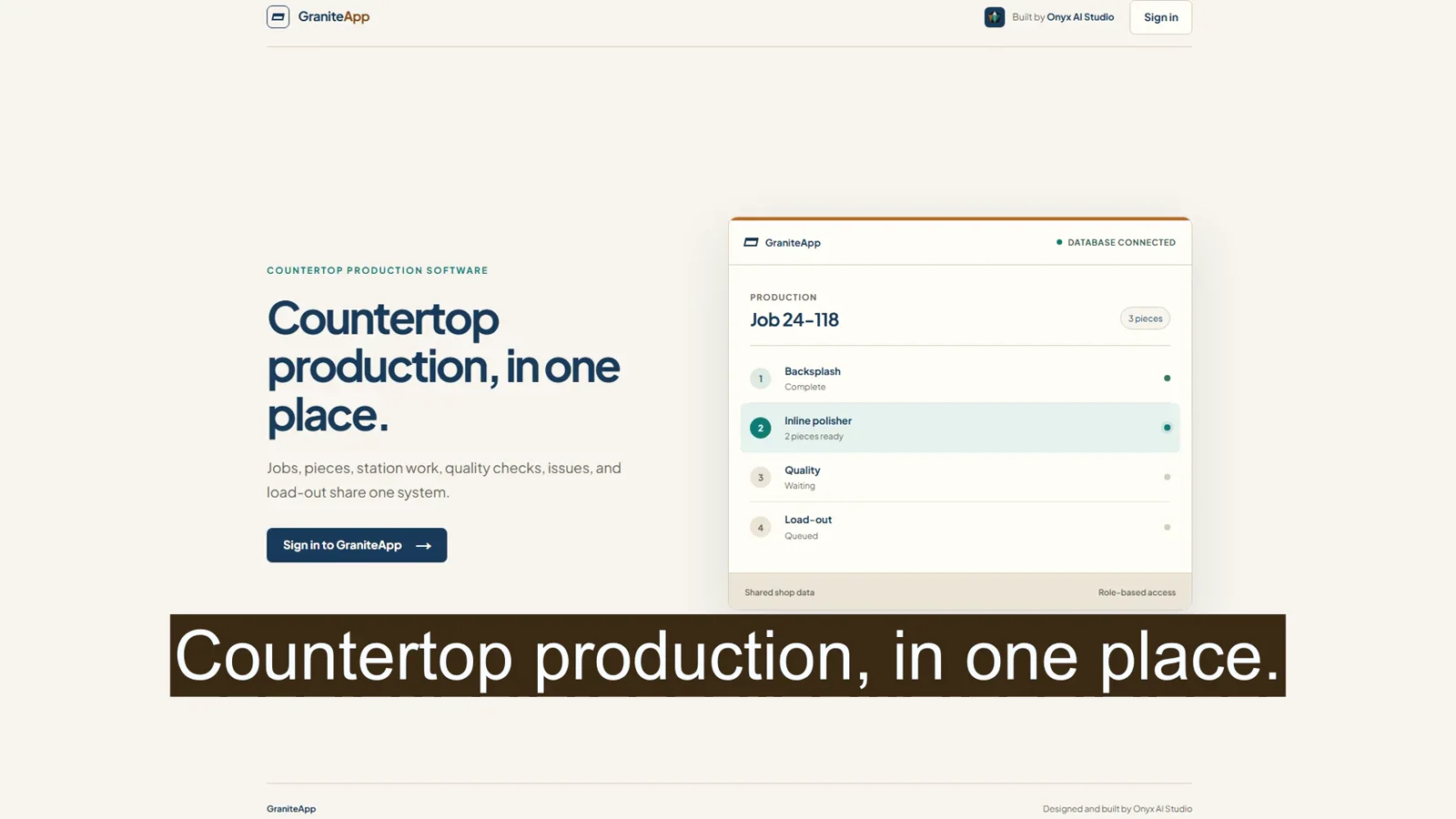
Production operations / role-scoped workflow / QA gating
GraniteApp Production Operations
A shared countertop-fabrication operations system that moves jobs and pieces through six role-scoped workstations, full-job quality review, repair loops, and QA-gated load-out.
75 sec
Narrated demo
6
Station roles
Full-job QA
Quality gate
Local-directory / messy-data / SEO-owner-funnel
SC Smokes Directory
A South Carolina local-directory proof asset showing how structured listings, local SEO pages, category associations, and owner correction paths can become an indexable business-development system.
467
Shop listings
8,569
Category links
Owner updates
Funnel role
Intelligence database / knowledge graph / daily discovery
QAtlas
A structured quantum industry intelligence platform built to organize companies, funding records, research, technologies, and market developments into a connected knowledge graph.
Graph
Entity model
Daily
Workflow
Briefs
Publishing
Local service SEO / case-study search visibility
Greater Aiken Irrigation
A local service business website focused on sprinkler repair, irrigation services, local SEO, and case-study-driven search visibility.
54+
Case studies
FAQ & Entity
Schema
Local SEO
Search focus
Local growth / mobile conversion / search readiness
Lewis Asher Remodeling
An evidence-led local service website launch connecting real remodeling work, small-job discovery, mobile call and text paths, structured data, and Search Console readiness on a custom domain.
9
Public routes
4
Project transformations
4.9
Google rating
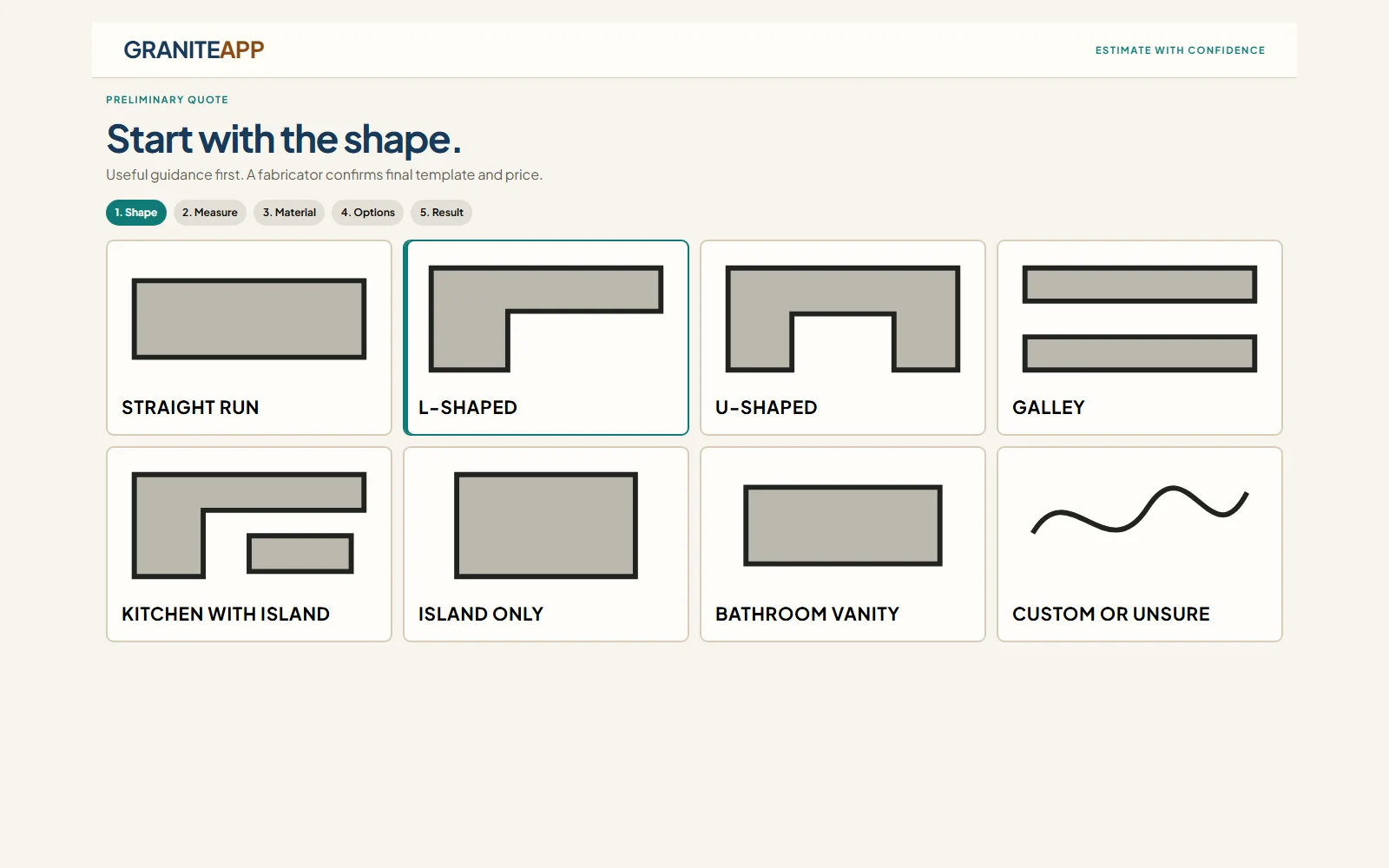
Structured estimate intake / server-owned pricing
GraniteApp Estimate Tool
A guided public countertop estimate flow backed by a 152-material catalog, server-owned pricing, versioned estimate snapshots, and structured lead intake for fabricator follow-up.
152
Material catalog
Server
Pricing owner
Versioned
Saved output
AI operations module
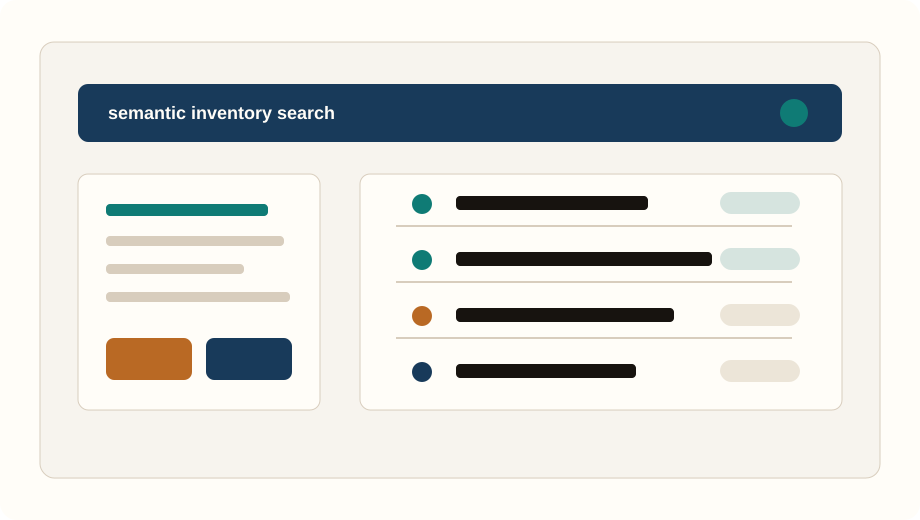
VapeOS
A retail inventory search demo reframed as proof that messy business data can become a usable operating interface.
1,700+
Indexed products
Semantic
Search mode
Data layer
Operations proof
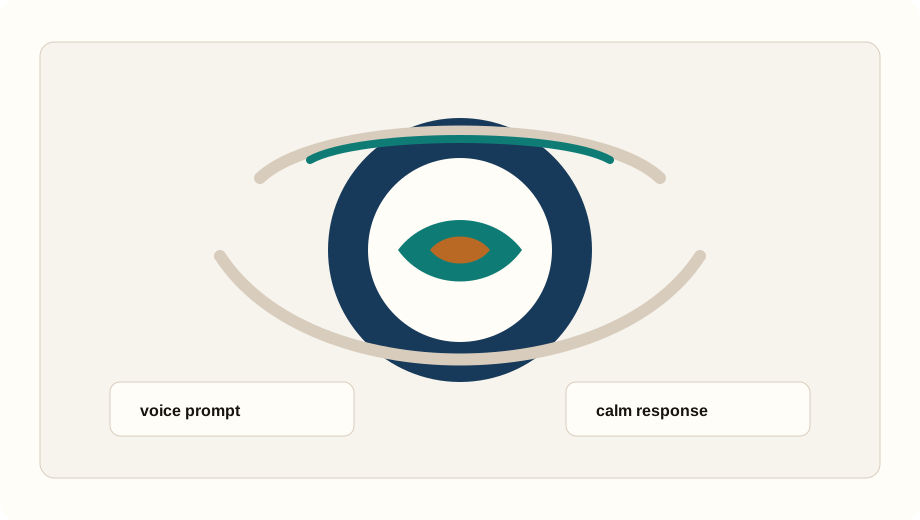
Voice-led assistant interface
Starry
A low-stimulation product direction showing how voice-led assistance can be designed around context instead of generic chat.
Voice-led
UX mode
Low stimulus
Visual pace
Assistant
Interface proof
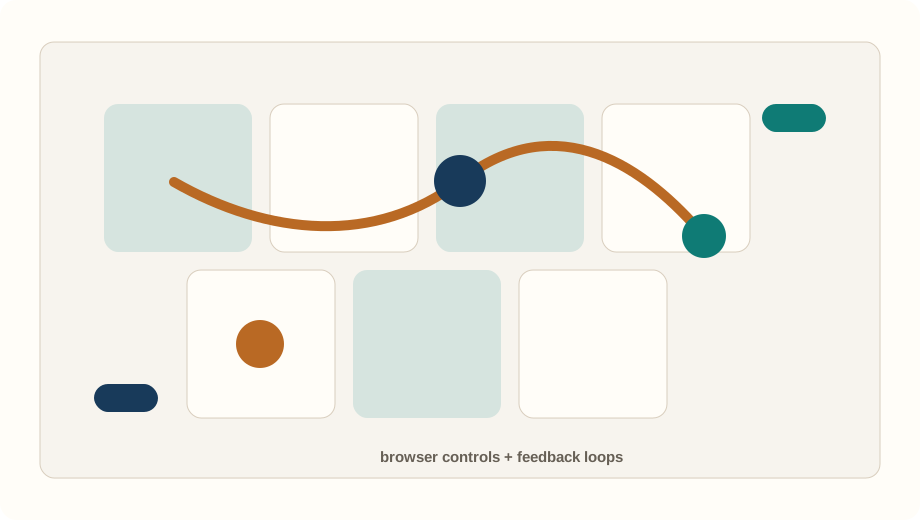
Interactive workflow system
Unicorn Island
A browser-based interactive game suite preserved as proof of responsive controls, visual feedback, and custom product logic.
Browser
Surface
Mobile-ready
Controls
Interactive
Mode
Lead capture and demand system
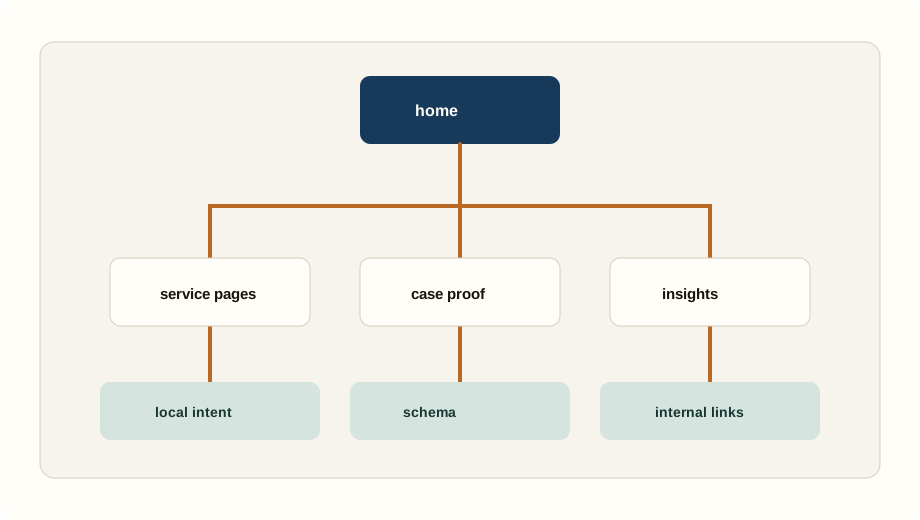
Regional Service Site
A service-business website direction showing how content architecture can feed lead capture, assistant answers, and follow-up workflows.
Content silo
Structure
Local intent
Search focus
Capture
Operations role
Investment
Premium implementation, not a plug-and-play chatbot.
Pricing depends on operation size, locations, services, call volume, scheduling complexity, documents, integrations, guardrails, reporting, and internal assistant requirements.
Core Integration
For smaller operations needing AI reception, website assistance, lead capture, and scheduling support.
$4,000-$6,000
$750/month management
Client pays Retell and third-party platform usage directly.
Operations Integration
For companies needing stronger data handling, Supabase knowledge systems, multiple workflows, and reporting.
$6,000-$8,500
$1,000-$1,250/month management
Client pays Retell and third-party platform usage directly.
Advanced Business Assistant System
For larger operations with internal assistant needs, significant documentation, multi-location complexity, or deeper integrations.
$8,500-$10,000+
$1,250-$1,500+/month management
Client pays Retell and third-party platform usage directly.
About the studio
Founder-led implementation for companies that need practical AI in real workflows.
The brand keeps attention on systems, proof, and delivery quality. AI is recommended only where it can be grounded, managed, and useful.
- Small enough to map the workflow carefully.
- Technical enough to ship Next.js, Retell, Supabase, AI, and SEO foundations.
- Conservative enough to define limits before automation goes live.
Request an AI Operations Review.
Bring the current operation: missed calls, lead capture, scheduling, internal documents, follow-up, or data handling. The first step is reviewing what should be integrated and where guardrails matter.
The Review is used to evaluate fit and plan the next step. Your submission is not sold or added to bulk outreach.
Request an AI Operations ReviewAI operations insights
Practical pages for buyers comparing AI systems, quote tools, and lead capture.
These guides explain when AI belongs in a business workflow, what details a website should collect, and how clean operational data supports better automation.
8 min read
Private AI vs Cloud AI for Small Businesses
Should my business use private AI, cloud AI, or hybrid AI? A practical decision guide for local models, private knowledge assistants, cloud systems, and hybrid deployments.
7 min read
How AI Lead Capture Changes Service Business Websites
A practical guide to turning local service websites into structured lead capture systems with AI reception, quote paths, follow-up, and business data.
6 min read
What Website Quote Tools Should Collect First
A buyer-focused explanation of how quote tools, estimators, and configurators can qualify intent before a service business starts manual follow-up.
7 min read
How Small Businesses Can Use AI With Staff
A practical framework for using AI to support calls, website questions, summaries, internal search, and follow-up without removing human judgment.
7 min read
Why AI Needs Structured Business Data
A clear explanation of why AI systems need organized products, services, documents, policies, and records before they can reliably support operations.
Questions
Clear answers for buyers and AI search systems.
What does Onyx AI Studio build?
Onyx AI Studio builds AI business operations systems that connect reception, website assistance, lead capture, scheduling support, company knowledge, business data, and internal employee assistance.
Is Retell or Supabase the product?
No. Retell and Supabase are infrastructure choices. The product is the business integration: strategy, workflow design, data structure, assistant behavior, guardrails, implementation, and ongoing management.
How does an AI Operations Review work?
The review starts with the company's calls, website leads, scheduling process, documents, data, and follow-up problems. The output is a practical recommendation for what should be built, what should not be automated, and what usage costs are separate.